
Jupiter limit order execution flaws
Learn how to navigate Jupiter's Limit Order V2 system and avoid common execution errors like SlippageToleranceExceeded. This guide covers managing MEV exposure through Ultra mode and maintaining a 0.05 SOL buffer to prevent stranded wallets during network transactions.

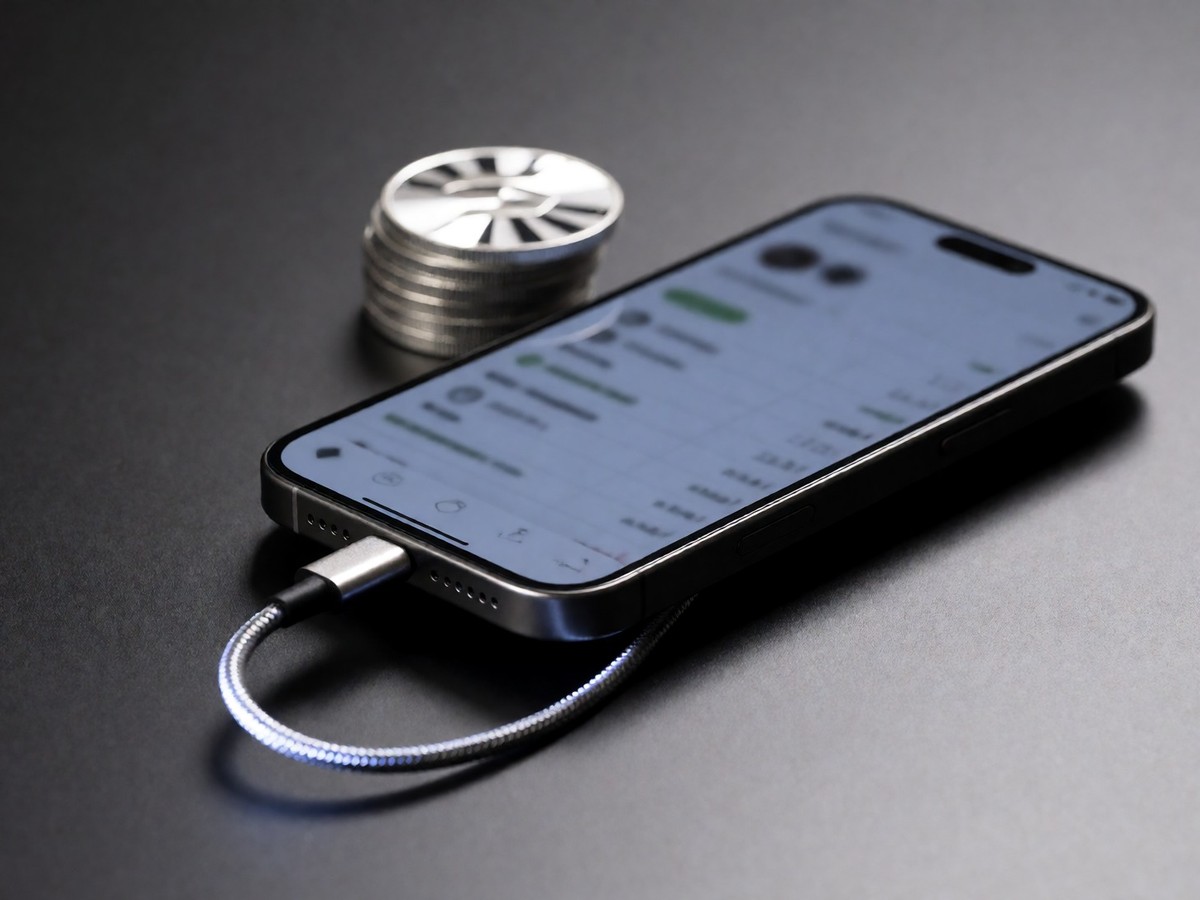
I find Jupiter’s limit order system easier to use than manual swaps because the platform handles the heavy lifting of routing and price targets. The Limit Order V2 system executes orders directly from your wallet without custodial risk. It protects your strategies from front-running bots because it keeps order details private until the trigger price hits. You can even set orders based on USD price or market cap to avoid manual math. The system supports bundled orders through a "One Cancels Other" mechanism that manages both a Take Profit and a Stop Loss at once.
The current V2 infrastructure protects your gains with a Trailing Stop Loss. This tool tracks a watermark, which is the highest price a token reaches after you activate the order, and maintains the trigger at a fixed percentage below that peak. If you enter a position at $80 with a 10% trail and the price hits $120 before reversing, the system exits you at $108. This results in a 35% gain, whereas a fixed stop at your entry would have exited you at $72 for a 10% loss. You can set the trail distance between 0.5% and 90%.
| Feature | Specification |
|---|---|
| Trailing Stop Default | 10% |
| Trailing Stop Range | 0.5% to 90% |
| Stablecoin Pair Fee | 0.03% |
| Other Pair Fee | 0.1% |
| Ultra Routing Fee | 0% to 0.5% |
| Error Code | Error Name | Debugging Step |
|---|---|---|
| 6001 | SlippageToleranceExceeded | Use higher fixed slippage or dynamic slippage |
| 6017 | ExactOutAmountNotMatched | Check slippage settings |
| 6024 | InsufficientFunds | Check swap, fee, or rent balance |
Common errors during market volatility
High volatility often triggers specific execution errors that frustrate traders. You might see a "SlippageToleranceExceeded" error or an "ExactOutAmountNotMatched" error when the market moves faster than your settings allow. If you encounter "CANNOT_COMPUTE_OTHER_AMOUNT_THRESHOLD", your slippage or input parameters are invalid. Traders frequently mistake price impact for slippage. Price impact reflects the cost of your own order size relative to pool liquidity, while slippage is the gap between your quote and the actual fill caused by market movement.
You should never jump to double-digit slippage settings to fix a failing trade. A bad fill you authorize costs whatever you authorized, but a cancellation costs only a fraction of a cent. If a swap fails, try raising the tolerance one small step or trading a smaller amount. In Manual mode, you can cap your priority fee to prevent overpaying during network congestion. A higher priority level helps your transaction land when the network is busy, but it does not fix a bad slippage setting.
The platform has limitations regarding specific token types. The Trailing Stop Loss ignores transfer-fee tokens and stablecoins or pegged-price tokens because those tokens have no meaningful peak to follow. If you use a DCA order and manually close your Associated Token Account, your purchased tokens stay in the vault. You must keep your account open to receive tokens. Does the system maintain enough liquidity for all new token launches?
Managing slippage and MEV exposure
Slippage remains the largest risk for anyone using the aggregator. High slippage tolerance provides the room for a sandwich attack, where bots buy just before your order and sell immediately after. This attack exploits the gap you pre-approved. Ultra mode mitigates this by routing transactions through Jupiter’s own infrastructure to keep them private until they execute on-chain. This protection costs a fee of 5 to 10 basis points, which is at most $0.10 on a $100 swap.
Manual mode provides more control but removes these MEV safeguards. You can choose a fixed slippage or a dynamic option that adapts per token. If you trade heavily in Manual mode, you expose your trade to public scanners. For large trades, you can reduce price impact by trading smaller amounts. Users often struggle with the exchange-to-wallet handoff. If you convert every last bit of SOL into a token, you strand your wallet without enough SOL to pay the network fees. Keep a buffer of about 0.05 SOL to ensure you can always execute a follow-up transaction.


Join the discussion