
How to acquire land and build in Somnium Space
Somnium Space offers 5,000 land plots across 3 square kilometers using the CUBE token on the Ethereum blockchain. Users can manage virtual parcels through a dedicated Builder tool or create advanced independent instances using the Somnium UnitySDK.

Land and Asset Acquisition
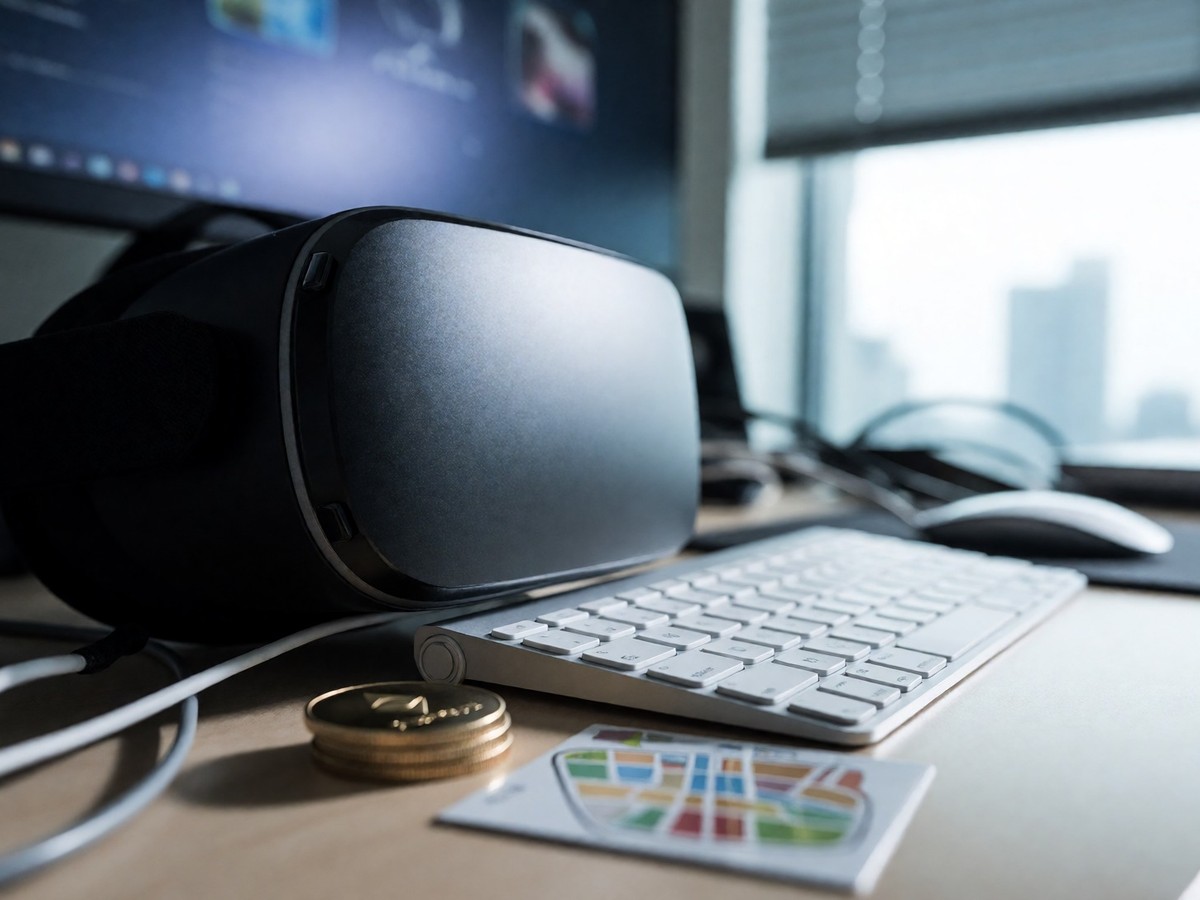
Somnium Space provides 5,000 land plots, and Phase 1 contains 3,000 parcels across 3 square kilometers. The platform uses the Somnium Space Cube (CUBE) for transactions on the Ethereum blockchain. As of November 24, 2026, the closing price for one CUBE reached $0.0572. Buyers acquire these parcels through auctions or the OpenSea marketplace, where 1,500 parcels currently trade. Location dictates price, as plots near the Somnium Waypoint or the city center attract more visitors. The second land auction includes 3,500 parcels for sale.
| Parcel Size | Surface Area | Max Height | Max Depth |
|---|---|---|---|
| Small | 200m2 | 10m | 10m |
| Medium | 600m2 | 25m | 25m |
| Large | 1,500m2 | 50m | 50m |
Investors buy 15 shares of Somnium Space Ltd. at 16 GBP each to receive a free small land parcel. This crowd-invest campaign allows users to claim a spot before the public land offering. Because the platform supports Solana and Polygon, users display Solana NFT art in Ethereum-based land parcels to avoid the high gas fees associated with standard Ethereum transactions while enjoying a multi-chain experience.
Building with the Builder Tool
The Somnium Space Launcher manages the software installation and updates required to access the ecosystem. You must download the client from the website and use the Launcher to reach the PC client. The PC client provides access to the Builder tool, which houses the interface for placing and manipulating objects. To place an item, click an object in the Inventory Category control at the bottom of the UI and click the left mouse button on the parcel. The interface provides red, blue, and green handlers to change the position, rotation, or scale of an object. If you make a mistake, the Delete key removes the selected item.
The Builder operates within a credit system to maintain performance across the virtual world. Simple objects use 1 credit, while complex objects use 50 or more. Every parcel has a specific credit limit shown in the lower left corner of the UI. The Object Paint Color and Object Texture controls reside in the lower right corner. The Duplicate option allows you to copy objects without selecting them from the inventory again. Practice occurs on test parcels, which let you build without owning any land.
Advanced World Creation and the UnitySDK
The Somnium UnitySDK enables users to create Somnium WORLDS, which function as independent instances. These worlds exist as blockchain tokens that users link to their specific land parcels. Users enter these worlds via portals on the parcel or through Teleportation HUBs. Small worlds provide 75 MB of storage, medium worlds provide 200 MB, and extra large worlds provide 500 MB. The process of uploading a world via the UnitySDK links the creation to the specific World token. Owners can also export a detailed FBX model of their parcel creation for 3D printing.
The web access control feels bumpy compared to the VR experience. Users enter a parcel via a web link, which transforms the build into a web-compatible format within five minutes. This web experience includes live voice-enabled multiplayer for all users. Creators also tokenize custom VR avatars via the PC client. These blockchain avatars use double encryption to prevent copying. Somnium Space remains a high-quality destination for users who prefer technical depth over ease of use. Will the integration of NEAR NFTs bridge the gap between different blockchain ecosystems?


Join the discussion